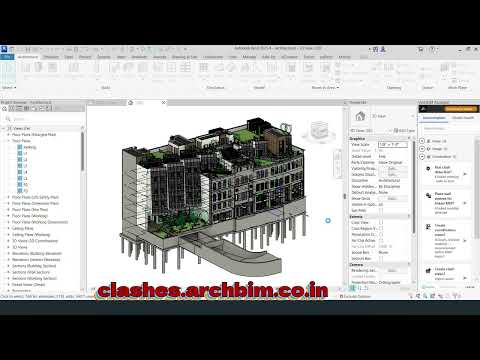
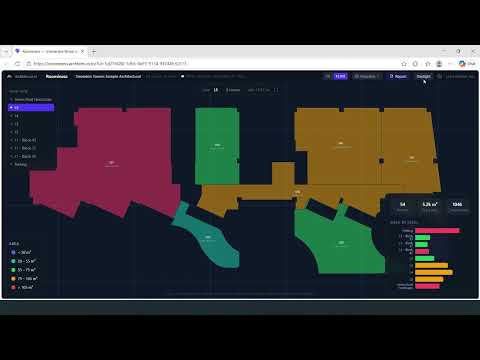
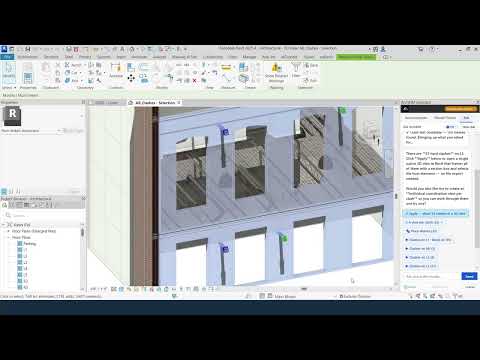
ArchBIM Assistant watches what you're doing in Revit and suggests the right tool at the right moment. One click to run — no menus, no searching, no prompts to type.
The Assistant monitors your active view, selection, linked models, and document state — then surfaces the right tool automatically. No typing, no conversation.
Select dimensions — it suggests dissociation. Load a linked MEP model — it suggests wall sleeves. Open two projects — it suggests browser cloning.
Flags unpinned datums and links, empty worksets, and linked models not using shared coordinates — with clear explanations and one-click fixes.
Every suggestion has a Run button. Click it and the tool executes with smart defaults — no dialogs to configure unless needed.
Creates per-level 3D views with section boxes and all links visible — ready for NWC export and Navisworks clash detection.
Batch-exports 3D views (including linked models) to NWC format. Coordination views are pre-checked for one-click export.
Subscribes to Revit events — document open, view change, selection, idling. Suggestions refresh instantly as your context changes.
Every tool runs natively inside the Assistant — no separate add-ins to install.
Run the installer. It copies the add-in to your Revit 2025 and 2026 directories.
Enter your license key on first launch. The Assistant panel appears in your sidebar.
The Assistant watches your context — view type, selection, linked models, model state.
When a suggestion appears, click the play button. The tool runs with smart defaults.
Watch the Assistant respond to your Revit context in real time. More episodes coming as new tools are added.
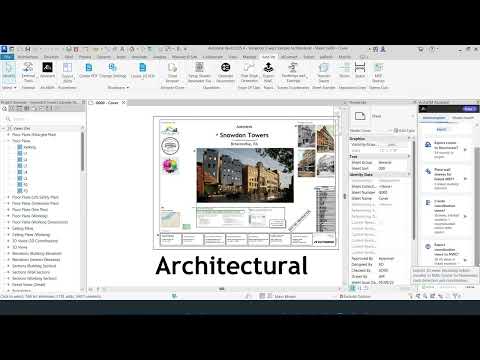
Full access to all tools
per month · USD · cancel anytime
Interested in a pilot? Contact us →